
Privacy
Know what stays. Know what leaves.
WardenOne has no account, no analytics and no WardenOne server. It still makes some network requests to keep its protection current, or to answer a question you chose to ask. Here is the plain overview; the full policy has every detail.
On your device
The working record stays in the browser.
Settings and a bounded activity record live in browser extension storage. They exist for controls, explanations and troubleshooting, not to build a profile of you.
Settings and exceptions
Your switches, trusted and blocked sites, firewall choices and other configuration are stored locally. WardenOne does not sync them to a cloud of its own.
Activity history
A local log records the security events WardenOne acted on, not every page you visited. It keeps at most 200 events and none older than 30 days, and you can clear it.
Temporary warning context
When a navigation is stopped, the exact destination is held in browser session storage under a random handle so the warning can explain it. It is deleted after your choice or when the tab closes.
Download reviews
Local review records hold the file name, grade, reasons and a minimised source address for a limited time. The full policy gives the retention rules.
Outside requests
Some checks need a connection.
What matters is whether a request keeps WardenOne's public data current, checks a browser build, or asks another provider about a site you visit.
Automatic maintenance
Public blocklists, including OpenPhish's phishing feed, are downloaded and matched locally by default. When the popup opens, a browser-release check and, when needed, a WardenOne build check contact official public sources. These do not send the pages you visit.
Page-related defaults
WardenOne may re-request a third-party script a page already loaded, to check it for tampering. Twitch features call Twitch's own API while you are on Twitch. The policy spells out the conditions.
Optional lookups
Reputation services, a login-page age check and password-breach checks are separate controls. Automatic reputation lookups can send the addresses of pages you open to a provider, so they are off by default.
Actions you start
Site breach checks, extension checks, a filter list you add and the network self-test make requests when you press their controls. The self-test deliberately reaches named test domains.
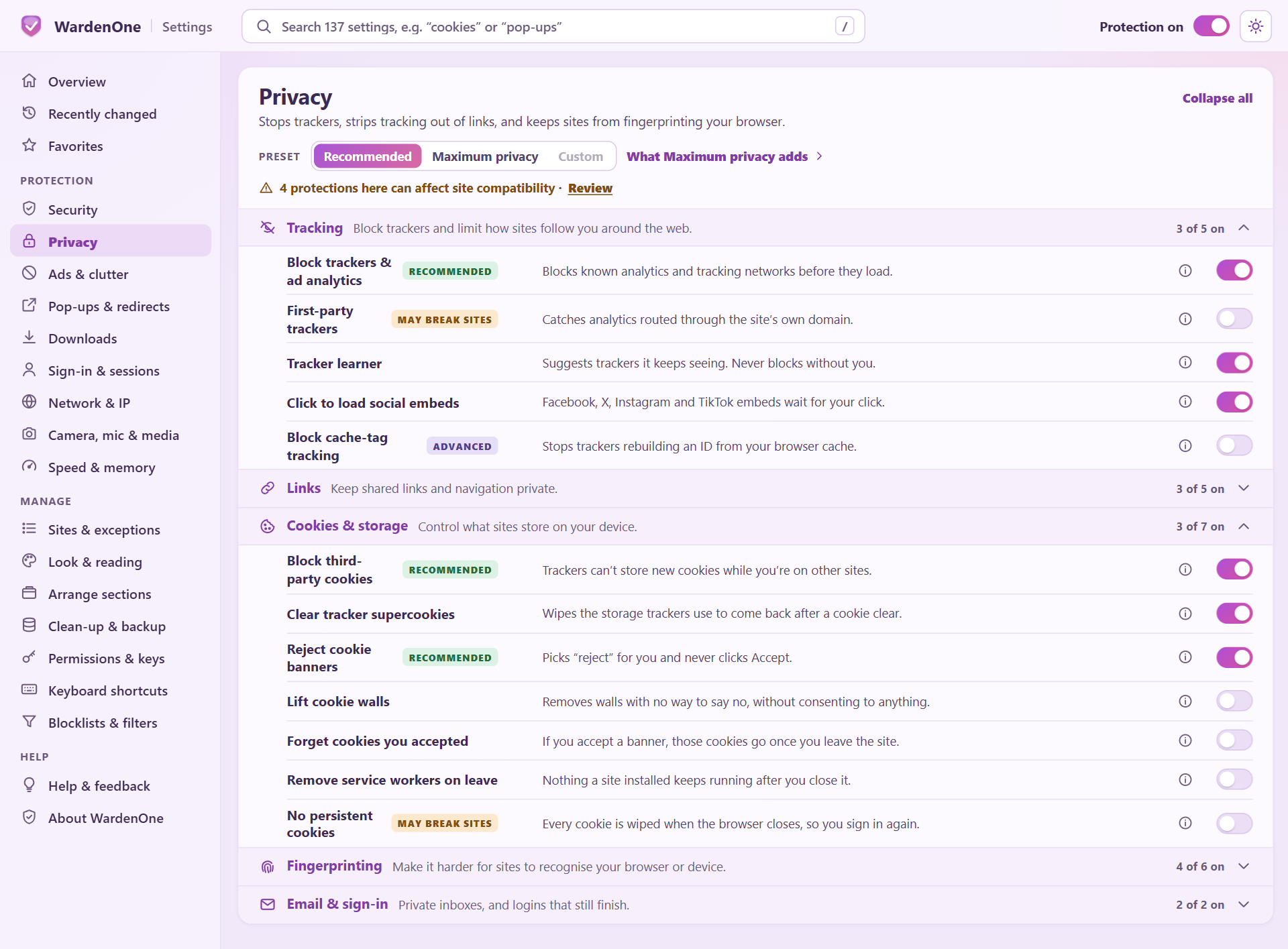
Choice and inspection
See the switch before you use the service.
Optional checks are labelled in Settings, including when another provider would see information about a site. Leave them off and you still have WardenOne's local and browser-enforced protection.
The privacy policy is the authoritative list of data categories, destinations, retention periods and exceptions.
Third-party protection sources
Community lists, with their maintainers credited.
WardenOne uses independently maintained filtering and threat-intelligence lists to help identify advertisements, trackers, phishing sites, scams and malicious domains. The data remains the work of its respective maintainers.
Published licenses and separate written permissions are documented in the source inventory. WardenOne supplies attribution and license notices; specific exceptions concerning aggregate feeds containing OpenPhish-derived data are explained in the source review.
The implementation is public.
Read the extension code, the privacy document and every change in the official repository.