
How it works
A decision at the right moment.
There's no WardenOne server in the middle of your browsing. The work is split across the parts of the browser that actually have the evidence, and it all meets in one place you can inspect.
The architecture
Three layers. One worker. All on your device.
Each layer watches a different part of a visit. What they notice ends up in one extension worker and one local store, and every page you use to see, check and control WardenOne reads from there.
Page and session layer
Deceptive interfaces, sign-ins and passwords, privacy APIs, links and signs of device use.
Browser network layer
Rules for listed destinations and direct private-network targets, enforced by the browser itself.
Download Shield
Where a download came from, what it claims to be, and how it behaves.
Extension worker
The only place the layers meet. A dodgy redirect can feed a scam warning, and a download can use the reputation of the page it came from.
Local state and evidence
Settings, exceptions and the activity record, kept in browser storage. It never leaves this browser.
What happened
Activity Centre, Notification Centre and Protection Health.
ExplainsWhether it still works
The Privacy Self-Test, and Verify and Repair.
ProvesYour decision beats every list
Network Logger, Site Firewall and My Rules.
ControlsOne visit, start to finish
From address to explanation.
You open a page
The browser starts navigating and requests the resources the page needs.
Known destinations are checked
Browser-enforced rules can block listed sites or resources before they are delivered.
Behaviour is inspected
Page checks look for selected scams, redirects, trackers and page tricks as the page runs.
You see the decision
Relevant blocks and warnings are explained on the page and recorded locally.
Different evidence, on purpose
Tools that sound alike, kept apart.
Some tools seem to overlap, but they look at different evidence. They stay separate so nothing gets squashed into one convenient score that promises more than it can back up.
Download Shield
Knows the browser's context: where a file came from and what it claims to be.
File Shield
Knows the bytes: what is actually inside a file you choose, read locally.
Activity Centre
Records the event: what WardenOne blocked, warned about or observed.
Network Logger
Names the request: its type, its destination and the decision made about it.
Privacy Self-Test
Measures from the outside, comparing a page with and without the shields.
Verify and Repair
Checks from the inside that the install and its guards are in the state you chose.
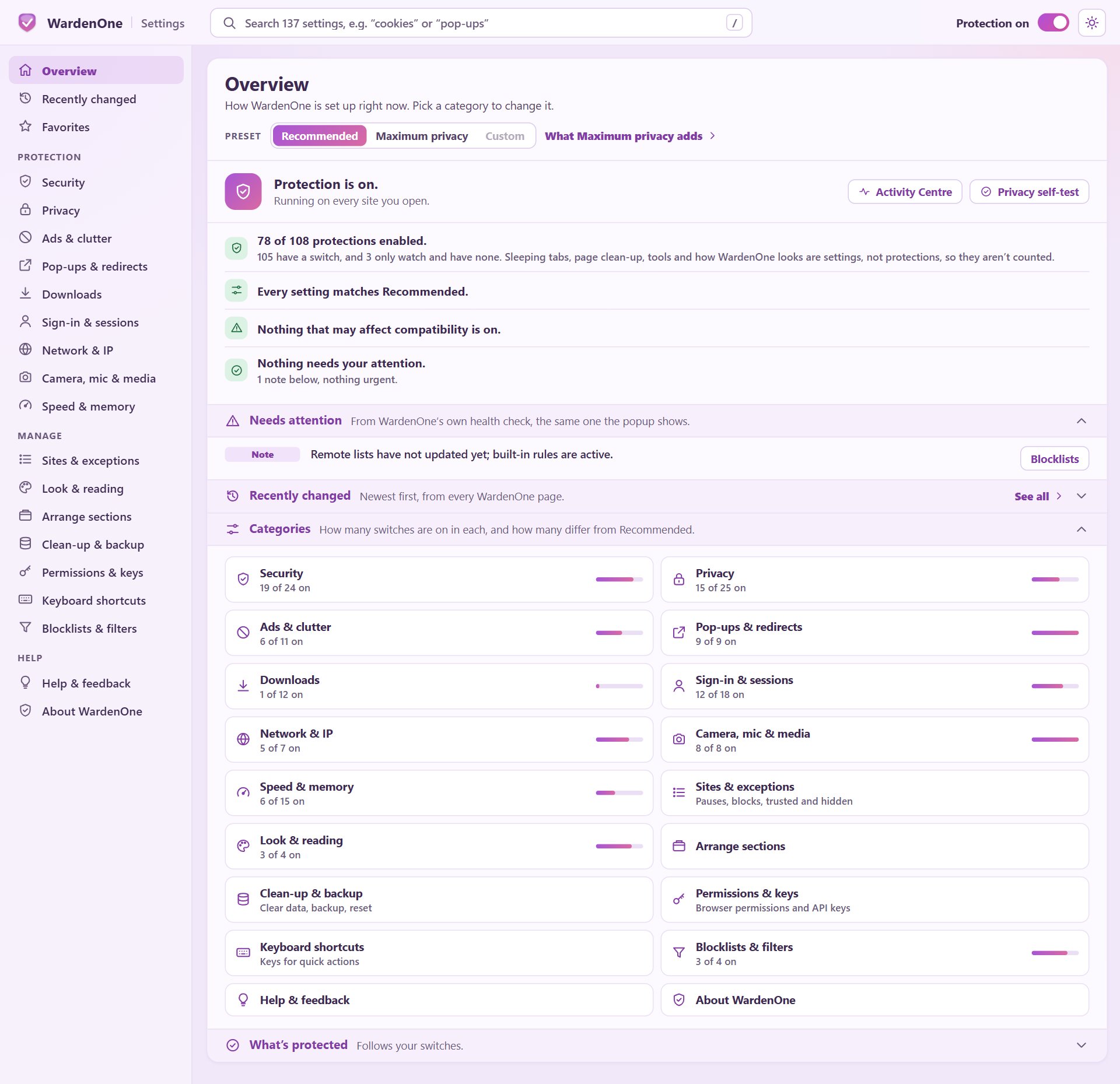
Inspect the interface
Three views of one decision.
Pick a real capture to see how WardenOne presents its status, its record and its site-level controls.
Limits, said out loud
What WardenOne won't pretend to do.
It can't be invisible
Some protections have to run inside the page, and a page that goes looking can spot them. Each one is written down with the reason it exists, and anything from the page that leads to a real decision has to be signed with a key the page never had.
It can't catch everything already inside a page
The token and skimmer checks stop the calls they see, but hostile code already running in a page can work around them. Network rules block the destinations they cover; they don't look inside every request for your secrets.
It has to leave room for the web
Video players, sign-ins, payments and classroom tools are sensitive to aggressive blocking. Scoped checks and compatibility exceptions help, and you can pause or adjust any feature for one site.
Found a site that breaks? See troubleshooting or report it on GitHub.
Understand what leaves the browser.
Default list updates and optional lookups have different privacy consequences. The privacy page names each one.