Ad & content blocking
EasyList-style network and cosmetic filtering, plus dedicated engines for YouTube and Twitch video ads and sponsored search results.
Official site · maintained by iri-dev

One extension. Every defence. Ads, trackers, fingerprinting, phishing and scams — blocked on your own device. No account, no sign-up, no telemetry.
WardenOne is published only from
github.com/iri-dev/WardenOne, and it is a
browser extension. It has never been distributed as an .exe, an installer or a
setup program, and it never will be.
In August 2026 a copy of this project was republished elsewhere with its download links redirected to a file that was not WardenOne — a Windows executable that antivirus vendors classify as a trojan loader and browser credential stealer. That account has since been removed. If you ran a WardenOne "installer" obtained anywhere other than the link above, treat your browser data as exposed: change your passwords starting with email, turn on two-factor authentication, sign out of all sessions so stolen cookies stop working, and run a full antivirus scan.
What it does
Everything runs locally. Every feature can be turned off individually.
EasyList-style network and cosmetic filtering, plus dedicated engines for YouTube and Twitch video ads and sponsored search results.
Blocks trackers and analytics, third-party cookies, first-party tracker proxies and referrer leaks. Strips tracking parameters and unwraps redirect links.
Per-session noise on canvas, WebGL, audio and hardware hints, with detection of scripts that probe for a device signature.
Blocks look-alike and homograph domains, warns on password forms hosted on brand-new domains, and neutralises browser lockers and command-paste tricks.
Scans downloads, skips ad gates that sit in front of a file, and blocks the popup-plus-installer routine used to smuggle unwanted software.
WebRTC IP-leak protection, camera and microphone permission control, Do Not Track and Global Privacy Control signals.
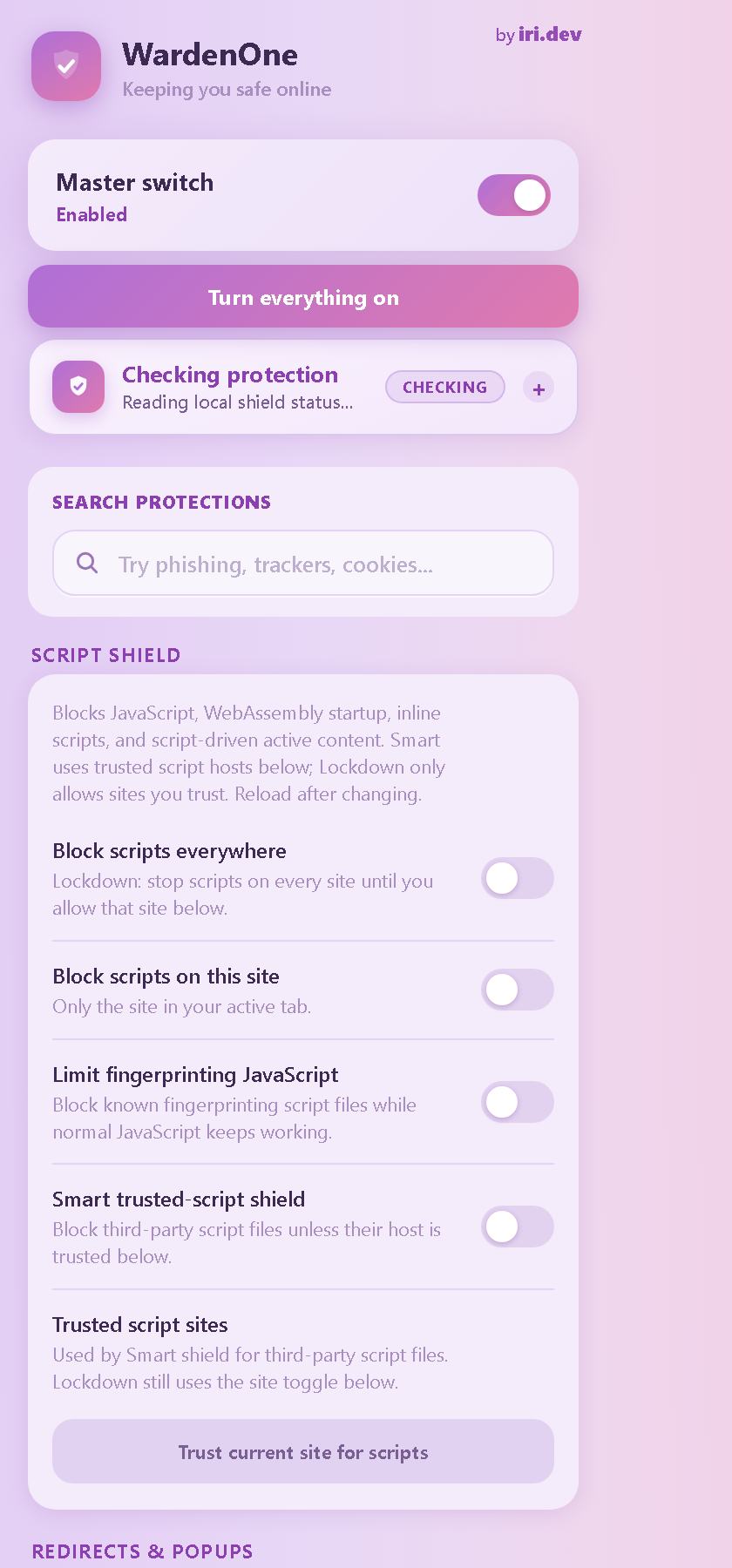
NoScript-style blocking everywhere or per site, with a trusted allowlist and a filter aimed specifically at fingerprinting scripts.
Sleeps idle tabs to free RAM, while refusing to touch a tab that holds text you have not saved or a live camera or microphone.
Install
Works in Chrome, Edge, Brave and Opera. Chrome 121 or newer.
.zip from the
Releases page and unzip it
somewhere you will keep it.chrome://extensions,
edge://extensions, brave://extensions or
opera://extensions — and turn on Developer mode.Open source
WardenOne has no servers of its own and no analytics. It does not track you, and it does not send your browsing history anywhere — read the full privacy policy. The source, release history and issue tracker are all on GitHub, under the GNU General Public License v3.
It builds on filter lists and blocking techniques from the wider open-source community, credited with their licences in the credits.