
Free and open sourceGPL-3.0
Stop the risky page.
See why.
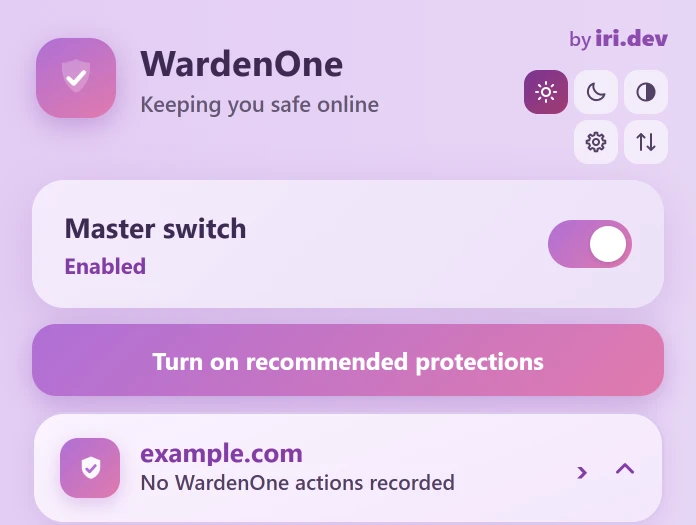
WardenOne interrupts scams, blocks known bad destinations and shows you why. It all runs in your browser: no account, no telemetry, no WardenOne server.
See it work
One extension, watching every layer of a visit.
The page, the network, your downloads and your other extensions. WardenOne watches all of them and shares what each part learns, so a dodgy redirect can feed into a scam warning.
At the risky moment
A scam instruction gets interrupted, not quietly logged.
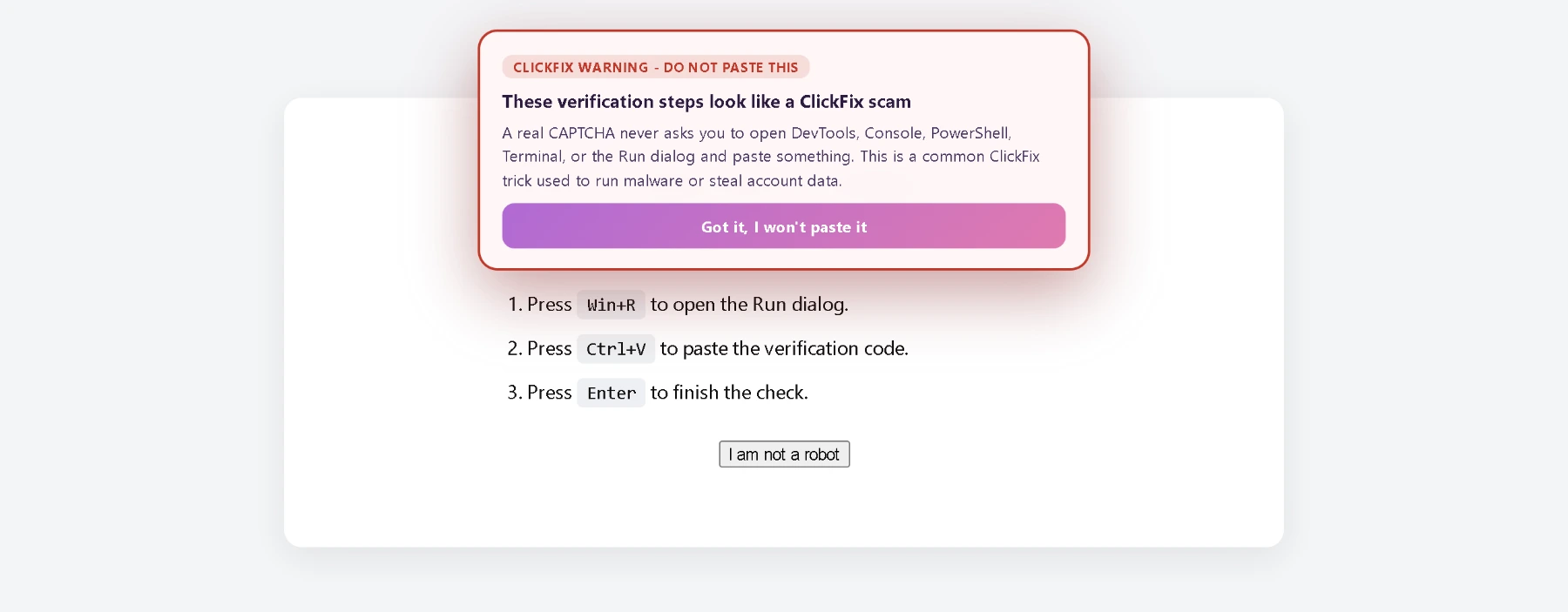
A fake “verify you're human” page tells you to press Win+R and paste a command. WardenOne recognises the ClickFix trick and explains it before you follow the steps.
- Phishing and look-alike domains
- Fake updates and tech-support scams
- Fake sign-in windows and back-button traps
Before a file lands
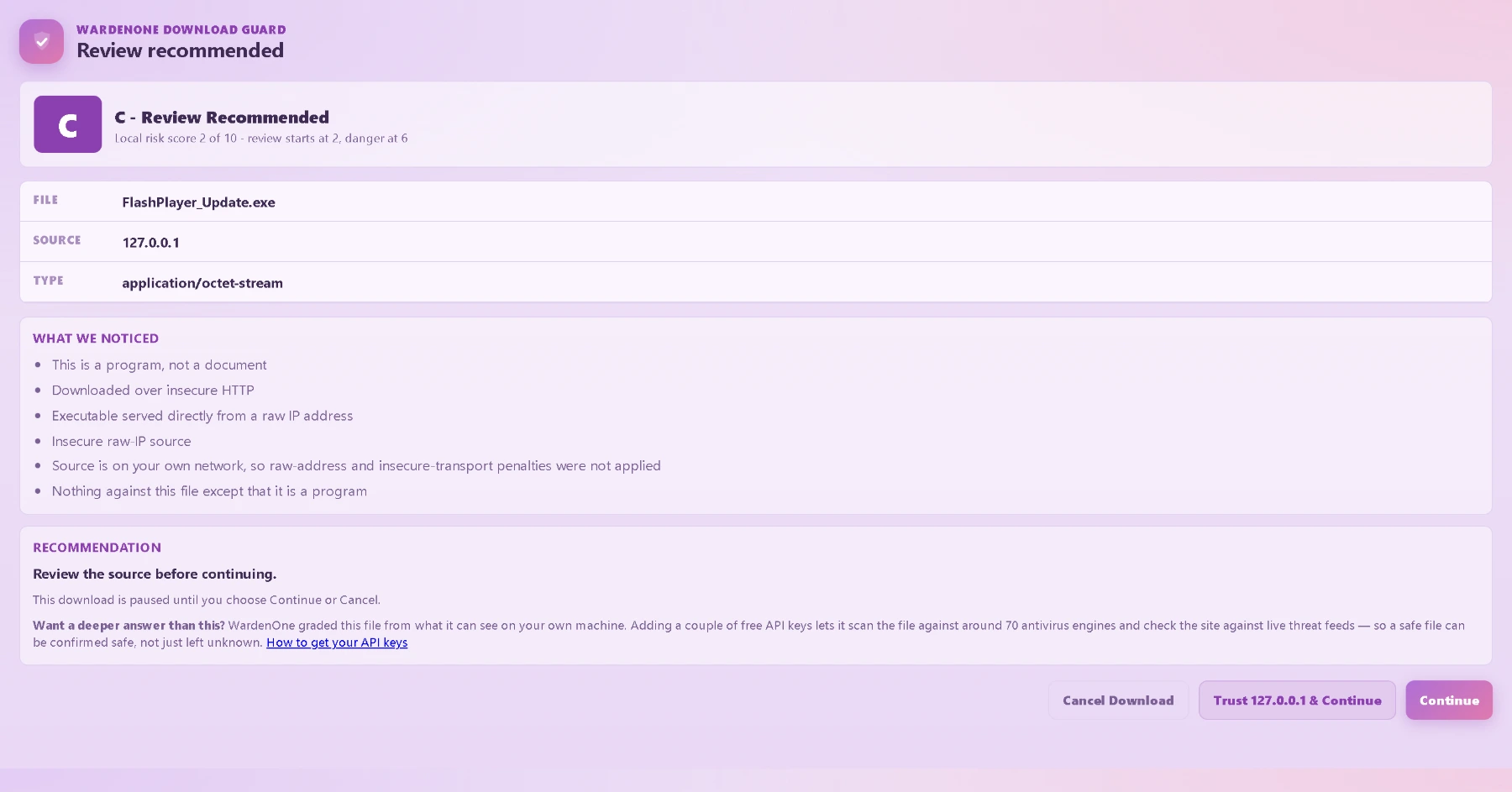
A suspicious download waits for your decision.
Download Shield weighs the source, file name, type and reputation evidence. Known-dangerous files are blocked. Suspicious ones are held for an A–F review that explains why, with a choice to cancel or continue.
- File Shield inspects a file's actual bytes, locally
- Files are never opened, run or uploaded
- The optional VirusTotal lookup sends only a hash
After every decision
Every block and warning, with its reason.
The Activity Centre keeps a local record of what WardenOne blocked, warned about or observed, and on which site. Something it only observed is never dressed up as a confirmed block.
- Protection Health checks that guards actually reached the page
- The Network Logger names the request and the decision
- Your own exceptions sit right beside the record

When a site breaks
Back off one step at a time.
Pause WardenOne on one site, switch off a single protection there, or undo one Site Firewall rule. You never have to turn everything off to get a page working again.
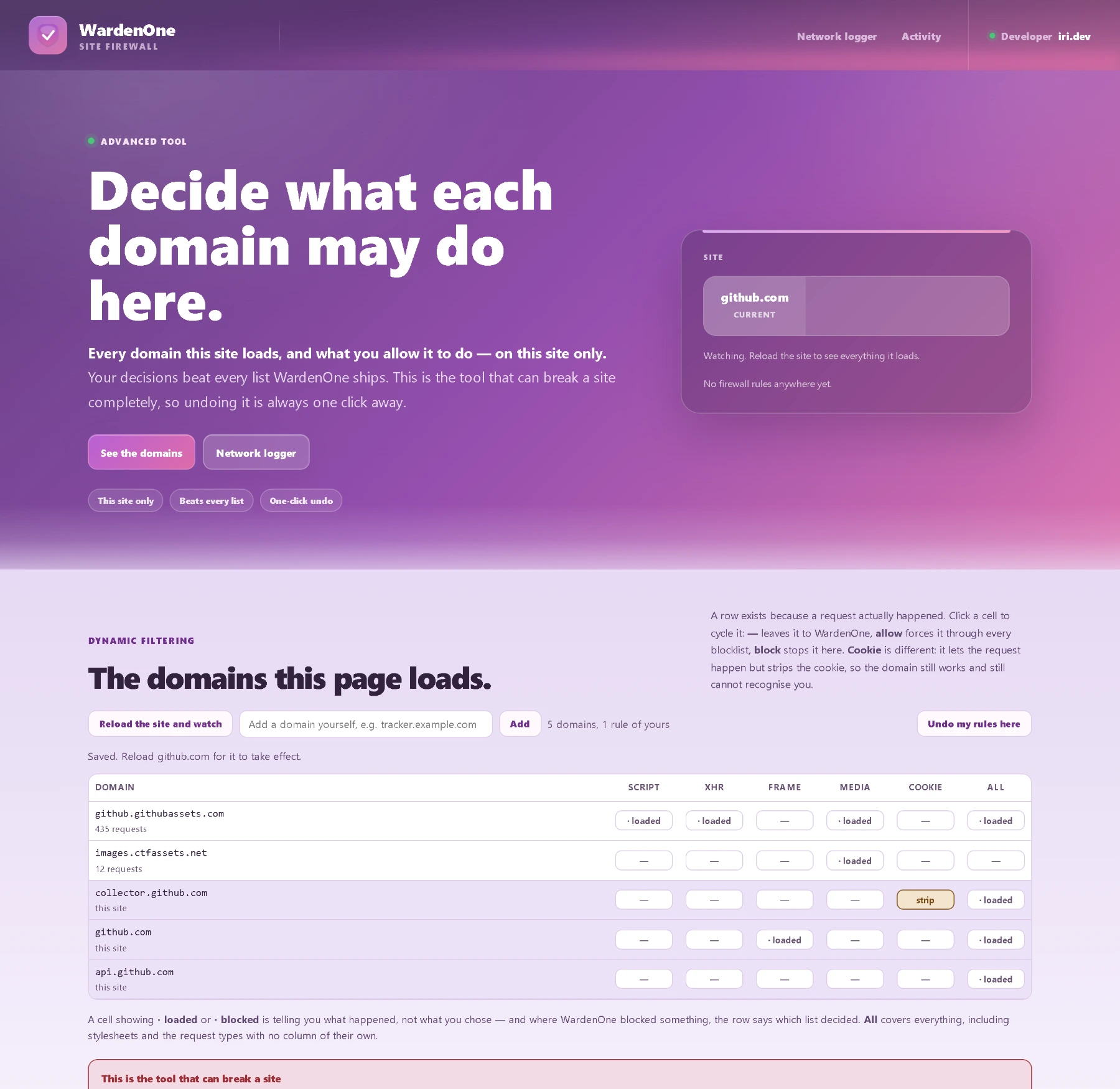
- Site Firewall lists every domain a page loaded
- Override individual controls for one site
- Write your own rules or add filter lists
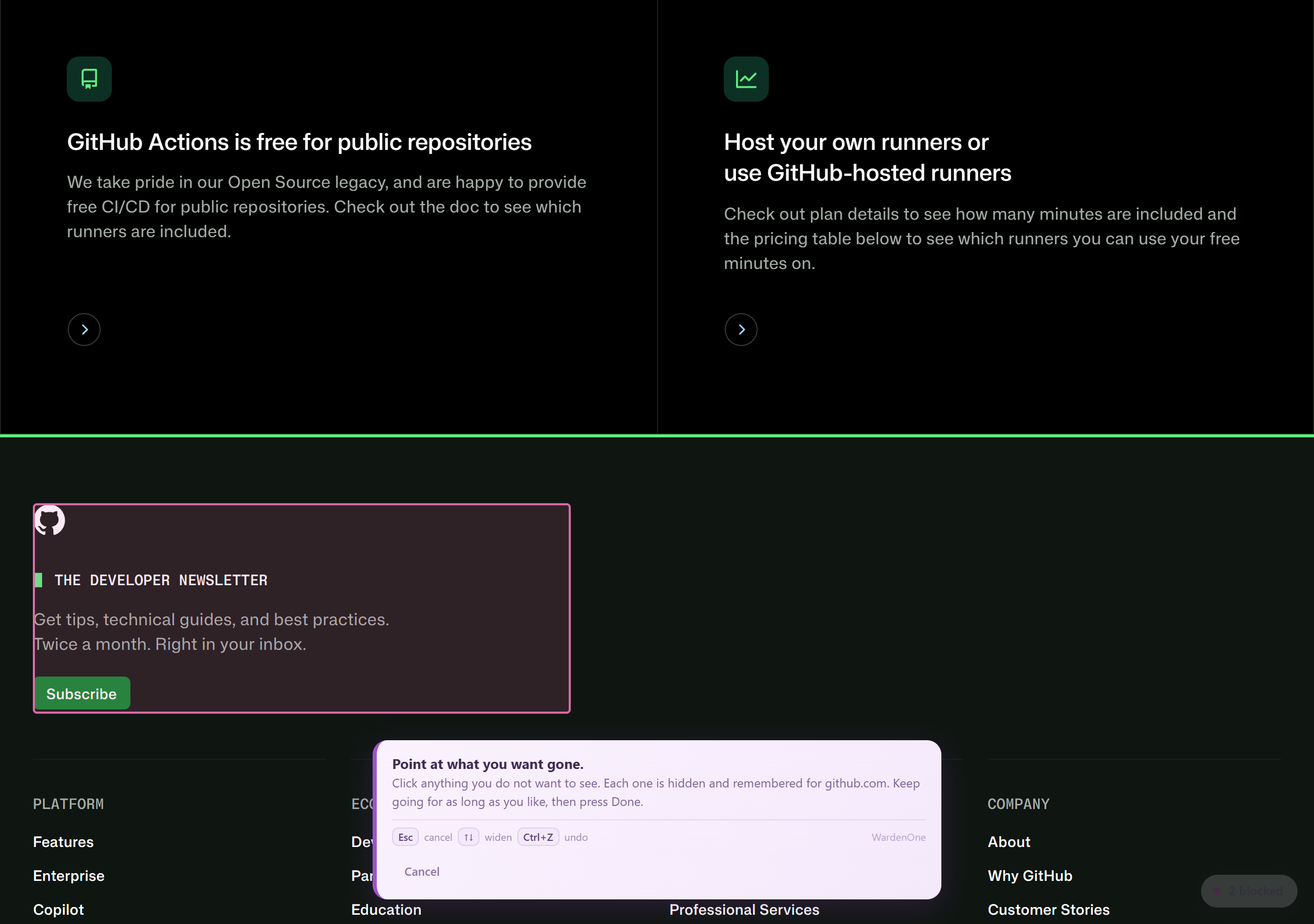
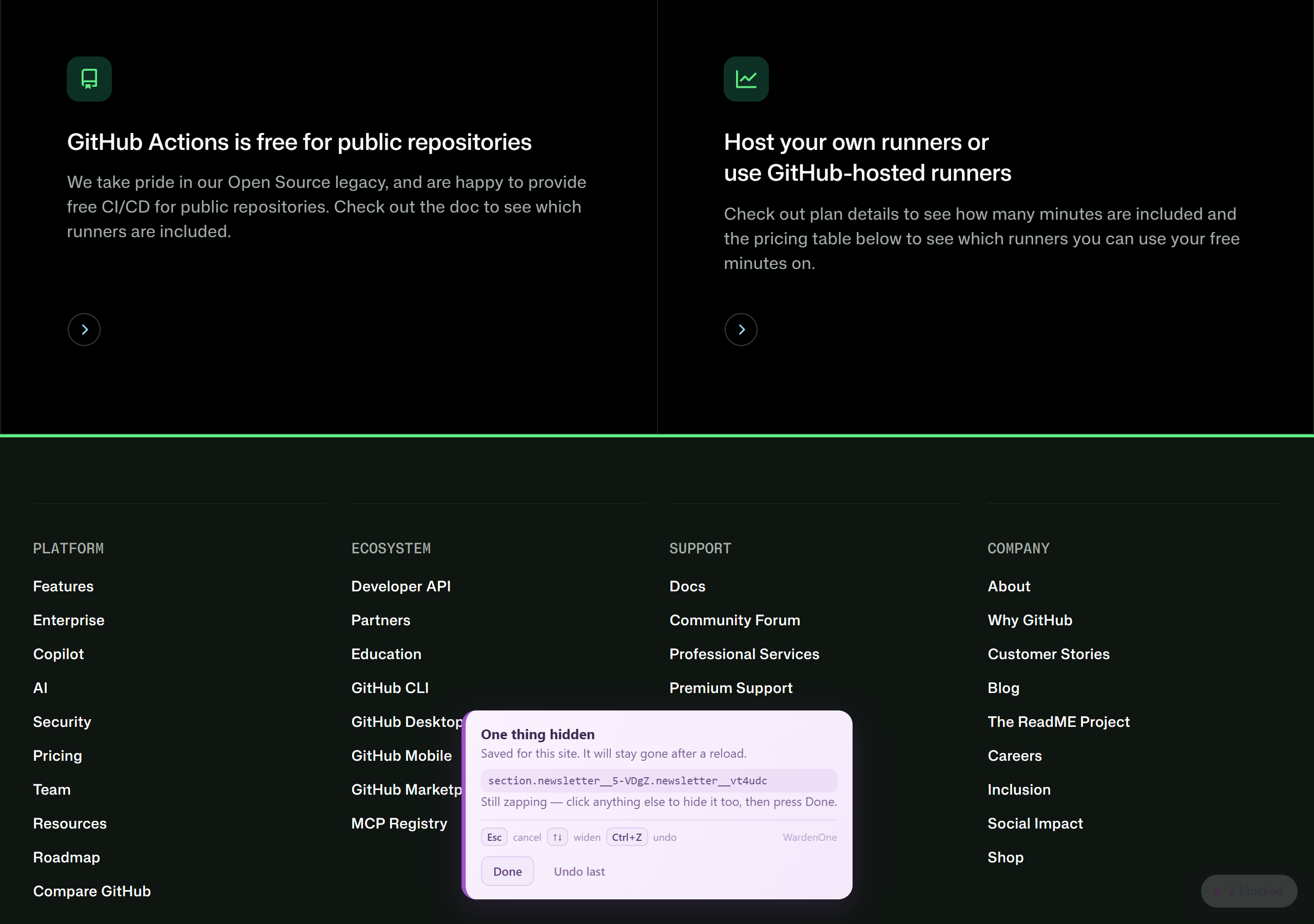
Element Zapper
Point at what you want gone.
Click anything you don't want to see. It's hidden and remembered for that site, it stays gone after a reload, and Ctrl+Z brings it back.
- Start it from the popup or the right-click menu
- Keep zapping, then press Done or Esc
- Restore hidden elements one at a time
Measured, not asserted
Check that it's actually working.
The Privacy Self-Test runs each probe twice on the same page, once with WardenOne's shields and once without, and compares what came back. What it can't measure is reported as untestable, never as a pass.
- Results come from measurements, not a settings screen
- Verify and Repair checks the install from the inside
- It reports its limits instead of certifying anonymity

The rules it's built on
Unknown does not mean safe.
If WardenOne doesn't know, it says it doesn't know. A file with nothing strange in it isn't called harmless, and a search result never gets a green tick just because nothing matched.
- 01
Nothing found means nothing found.
When WardenOne finds nothing, it says it found nothing. It won't tell you a page is “safe”.
- 02
Failures stay visible.
A rule it couldn't apply, a missing part, a verdict it isn't sure about: you get to see it. Nothing is quietly ignored.
- 03
Back off a little at a time.
If a protection breaks a site, pause that site, turn off one protection there, or undo one rule. Never everything at once.
From the rules set out in the project README. Read why WardenOne exists
Everything in one place
110 protections. One switch.
No more stacking an ad blocker, an anti-tracker, a pop-up blocker and a download scanner and hoping they get along. 78 protections are on from the first run. The rest wait until you want them.
Scams and threats
Warnings and blocks for phishing, scams, malicious sites, redirects and risky extensions.
- Detect fake / phishing sites
- Block high-confidence look-alikes
- Stop back-button traps
- Watch installed-extension changes
Sign-ins and sessions
Guards for passwords, session tokens, payment forms, the clipboard and the login flows scams imitate.
- Command paste guard
- Detect & block form skimmers
- Protect session tokens
- Fake update detector
Downloads and files
A review before a suspicious download continues, a local file inspector, and optional reputation providers.
- Download Shield
- File Shield
- Check download domain age
- Manual VirusTotal URL scanner
Privacy and tracking
Tracker, cookie and fingerprinting controls, IP and certificate protection, and device permissions.
- Block trackers & ad analytics
- Auto-reject cookie banners
- Stop email tracking pixels
- Anti-fingerprinting noise
Ads, media and pages
AdShield, player-specific handling for YouTube, Twitch and Spotify, search cleanup and Element Zapper.
- AdShield: YouTube
- AdShield: Twitch
- Element Zapper
- Hide sponsored search results
Control and evidence
Activity, diagnostics, per-site control, your own rules, and tools for speed and memory.
- Activity Centre
- Site Firewall
- Privacy Self-Test
- Sleep inactive tabs
Privacy, plainly
No account. No telemetry. No WardenOne server.
Your browsing never passes through a server of mine, because there isn't one. A few requests do leave the browser, and every one of them is named.
Stays in your browser
Your settings, exceptions and a bounded activity record: at most 200 events, none older than 30 days. Clear it whenever you like.
Talks to public sources
List updates and a browser and build check contact their named public sources. Those maintenance requests never include the pages you visit.
Only if you turn it on
Seven optional reputation providers and breach checks stay off until you switch them on, and Settings tells you what each one would see.
Built in the open
Don't take my word for it. Check.
Every line of WardenOne is public under the GPL. Official builds come from GitHub Actions on main, with a SHA-256 checksum and a build attestation you can verify yourself.
- 385automated test suites, run on every change before a build is published
- GPL-3.0free to read, change and share, as long as changes are marked
- 1 sourceofficial builds only ever come from the iri-dev/WardenOne repository, and never as an .exe
# GitHub CLI: ties the ZIP's exact bytes to a build of main
$ gh attestation verify WardenOne-latest.zip \
    --repo iri-dev/WardenOne \
    --signer-workflow iri-dev/WardenOne/.github/workflows/gate.yml \
    --source-ref refs/heads/main
# Linux. On macOS: shasum -a 256 -c
$ sha256sum -c WardenOne-latest.zip.sha256
A note from the person who made it
I made WardenOne because I was tired of security tools that just ask you to trust them. A counter ticks up somewhere, and you never actually find out what happened or why.
I'm a recent software engineering graduate who's a little bit obsessed with security, and I know a new developer with a handful of followers is hard to trust. So I'm not asking you to. All of it is open source, it shows you why it stepped in, and when WardenOne isn't sure about something, it tells you.
Your browser should be looking out for you, not quietly working against you. 💜

Ready when you are.
Free, open source, and set up in five short steps from the official GitHub ZIP.
Chromium 121+ · Chrome, Edge, Brave and Opera · Never an .exe